mmb88 Deposit Guide: Touch ’n Go, DuitNow and FPX
By the end of this page you will know which wallet to use, the exact taps to make, and what to do when RM40 leaves your bank account but the balance never moves.
An mmb88 deposit is a bank transfer at heart. You send ringgit from a Malaysian wallet or bank account, the payment gateway confirms it, and the cashier credits your gaming balance. Four methods cover almost every player, and each one settles in about 4 minutes when nothing goes wrong.
Before your first mmb88 deposit
Deposits only clear smoothly when the money comes from an account in your own name. A top-up sent from a friend’s Touch ’n Go wallet, or from a bank account registered to someone else, gets held at review and is eventually returned to the sender.
- A mobile number registered to you, ideally the same one your bank uses for transaction alerts.
- One of the four funding routes ready: Touch ’n Go eWallet, DuitNow, FPX Online Banking or a bank transfer account.
- At least RM40 for the top-up. The cashier rejects anything below that floor, on every method.
- Your banking app installed on the same phone you play on, with push notifications switched on.
New accounts can take the first deposit bonus of 225% up to RM325, but the offer has to be ticked in the cashier before you send the money. A deposit that lands without the opt-in is credited as plain cash and cannot be re-flagged afterwards.
You do not need to upload identity documents to deposit. Those are requested before your first withdrawal, and the review is quoted at 24 hours.
Which wallet suits your top-up
All four methods move ringgit into the same balance at roughly the same speed, about 4 minutes. What really differs is the app you already have open, and how much you want to send in a single go.
-
Touch ’n Go eWallet
Phone-first and quickest for top-ups between RM40 and a few hundred ringgit. Approve the push notification and the cashier usually updates before you switch apps.
Credits in about 4 minutes -
DuitNow
Works from any Malaysian banking app. You send to the DuitNow ID the cashier displays, which leaves a payment record inside your own bank statement.
Credits in about 4 minutes -
FPX Online Banking
Log in to Maybank2u, CIMB Clicks or Public Bank straight from the FPX screen. Best on weeks when your wallet balance is thin but your current account is not.
Credits in about 4 minutes -
Bank Transfer
Manual transfer from your own account, useful for larger amounts that sit above your eWallet ceiling. Keep the receipt, since a slip may be requested on review.
Credits in about 4 minutes
From cashier to credit in five taps
The order matters more than the speed. Opening the cashier before you approve anything keeps the reference and the amount matched, and that single habit is the main reason a top-up credits without a manual check.
-
Log in and open the cashier
Sign in with your mmb88 login, then tap Deposit. Balance, pending bonus and the amount field all sit on one screen.
-
Pick your wallet
Choose Touch ’n Go, DuitNow, FPX or bank transfer. Each tab lists its own limit, and the shared floor is RM40.
-
Enter the amount
Type the ringgit figure. Where the gateway caps one transaction, the screen says so before you confirm, not after.
-
Approve in your banking app
A push notification or FPX challenge arrives within seconds. Approve it, then return to the cashier tab without closing it.
-
Confirm the credit
The balance updates in about 4 minutes. Refresh once, and retry only if the reference is not already listed as pending.
Each wallet, step by step
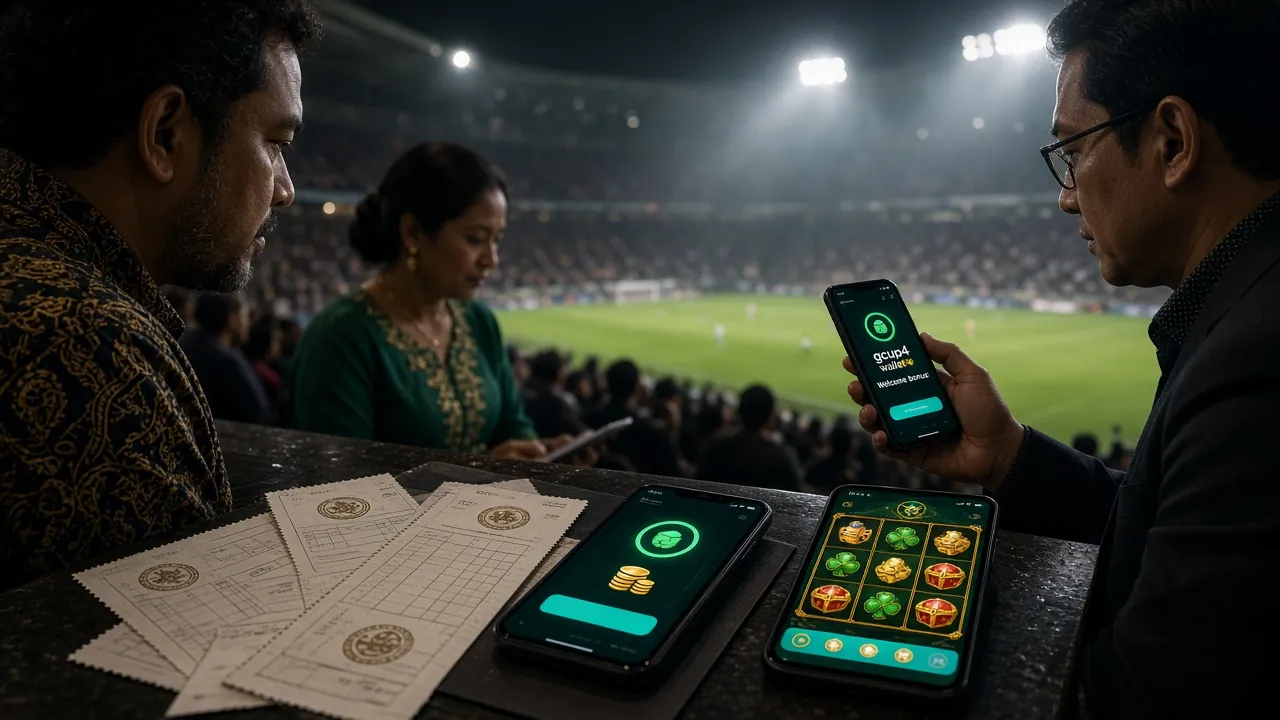
The screens differ from bank to bank, but the sequence never changes: request from the cashier, approve inside your own banking app, then let the gateway confirm. Work through the list that matches your wallet.
Touch ’n Go eWallet
- Open the cashier and select Touch ’n Go eWallet.
- Enter an amount of RM40 or more, then tap Confirm.
- The TNG app opens with the merchant name and amount pre-filled. Check both, then slide to pay.
- Return to mmb88, leave the cashier open, and the balance credits in about 4 minutes.
If the TNG screen shows a different amount from the one you typed, cancel and start again from the cashier rather than editing the figure inside the wallet.
DuitNow
- Choose DuitNow in the cashier and copy the recipient ID exactly as displayed.
- Open your own banking app, start a DuitNow transfer and paste that ID.
- Send RM40 or more, and put the cashier reference into the note field.
- Approve with your banking PIN or Face ID, then watch the status change to paid.
Copy and paste the ID. Typing it by hand is the usual cause of a transfer that goes to the wrong recipient.
FPX Online Banking
- Select FPX Online Banking and pick your bank from the list.
- You are redirected to your bank’s own login page. mmb88 never sees those credentials.
- Choose the current or savings account to debit and confirm the amount.
- Wait for the redirect back to mmb88 before closing the browser tab.
Closing the tab during the redirect leaves the payment in limbo until the gateway times out, which can take a few extra minutes.
Bank Transfer
- Choose Bank Transfer and note the account number and reference shown on screen.
- Send at least RM40 from your own bank account through your banking app or an ATM.
- Keep a screenshot of the receipt showing the reference and the amount.
- Transfers that arrive without the reference are matched by hand, so allow longer than 4 minutes.
Send once. Two transfers for the same top-up create a duplicate that has to be reversed by your bank.
When a top-up does not land
Almost every failed deposit comes down to three things: an amount under the RM40 floor, a name that does not match the account holder, or a cashier tab closed before the gateway confirmed. None of them mean the money is gone.
| What you see | Likely cause | What to do next |
|---|---|---|
| Bank says paid, balance unchanged | The cashier timed out before the gateway replied | Wait 4 minutes, refresh the balance, then send the receipt to live chat with the reference number. |
| Amount rejected at the cashier | The figure is below the RM40 minimum | Raise it to RM40 or more. The floor applies to every method, including eWallet. |
| DuitNow transfer bounced back | Recipient name did not match the account shown | Copy the recipient details from the cashier again and re-send from an account in your own name. |
| FPX session expired | Bank login timed out before you confirmed | Start a fresh FPX request from the cashier. Do not reuse the expired tab. |
| Two charges for one top-up | Confirm was tapped twice in the banking app | Keep both reference numbers. The duplicate is normally reversed by your bank once the second request expires. |
| Wallet or card blocked | Your bank flagged an unfamiliar merchant | Approve the transaction inside your banking app, then retry the top-up from the cashier. |
Still stuck after a refresh? Live chat runs 24/7 and can see whether the payment is pending, matched or already reversed, which saves you a call to the bank.
Limits, timing and the welcome offer
These are the figures the cashier works with. Nothing changes by method, so you can plan a top-up before you open the app.
| Item | Figure | Notes |
|---|---|---|
| Minimum deposit | RM40 | Same floor on Touch ’n Go, DuitNow, FPX and bank transfer. |
| Deposit credit time | 4 minutes | Typical time from approval to balance update. |
| Minimum withdrawal | RM20 | Lower than the deposit floor, so small balances can still be cashed out. |
| Maximum daily withdrawal | RM4,000 | Standard tier cap, before any VIP upgrade. |
| Withdrawal time | 36 minutes | First withdrawals can take up to 2 hours while documents are checked. |
| First deposit bonus | 225% up to RM325 | Opt in before sending. Wagering is 21× and the window is 7 days. |
Daily cashback of 0.7% is calculated on turnover rather than on deposits, so it shows up after play instead of at the cashier. Reloads earn 8% once the first deposit offer has been used, and a referral adds RM85. The full ladder, including tier thresholds, sits on the mmb88 Bonus & VIP page.
Withdrawal steps and document checks are covered separately, so this page stays focused on getting money in. Once a top-up is credited, treat the balance as entertainment money and keep the session within what you planned to spend.
Questions we get at the cashier
01How long does an mmb88 deposit take to show up?
About 4 minutes after your bank approves the payment. Touch ’n Go and DuitNow are usually the quickest. If the balance is still unchanged after four minutes, refresh once and check the reference in your transaction history before retrying.
02What is the smallest deposit I can make?
RM40. The cashier blocks anything lower on all four methods, so a RM20 or RM30 test top-up will not go through. Withdrawals, by contrast, start at RM20.
03Do I need to claim the first deposit bonus first?
Yes. Tick the 225% offer, up to RM325, in the cashier before you send the money. Deposits that arrive without the opt-in are credited as cash, and support cannot convert them afterwards. The wagering is 21× with a 7-day window.
04Can I deposit from a friend’s Touch ’n Go wallet?
No. The sending account must be in your own name, matching the details on your mmb88 profile. Third-party top-ups are held at review and returned to the sender, which can take several working days.
05Why was my top-up rejected even though the amount was correct?
Usually a name mismatch or a duplicate request. Check that the sender name matches your profile exactly, then confirm you only sent one transfer for that top-up. Live chat can see pending and reversed payments straight away.
06Do I have to verify my identity before depositing?
Not for deposits. Verification applies before your first withdrawal, where a National ID Card, passport or driving licence is accepted and the review is quoted at 24 hours. Uploading early simply shortens that first cash-out.
07Can I top up from the mmb88 app instead of the browser?
Yes, the cashier is identical inside the app and it keeps the payment reference on the same device you approve it from. The APK, version details and install notes are on the mmb88 App page.
Open your mmb88 account and put the first RM40 to work
The cashier sits one tap inside the account. Register, opt in to the 225% welcome offer, then send your first top-up from Touch ’n Go eWallet, DuitNow, FPX or your bank.
Already registered? The mmb88 login page takes you straight back to the Deposit button in the top bar.
Deposits are real money. Set a monthly limit before you top up, and never fund play with money set aside for bills. If gambling has stopped feeling like entertainment, read the responsible gaming page and step away for a while.
Payment details are handled over an encrypted connection and are never stored in full on your profile. How we keep records and what you can request is set out in the privacy policy. 18+ · Play Responsibly.